
Restaurant POS
Fast Food Billing & POS Restaurant POS & Fast Food Billing Software
A fast counter screen for dine-in, takeaway and delivery — runs in the browser or as a Windows desktop app.
Best for: Fast food outlets, cafés and restaurants
What is Fast Food Billing & POS?
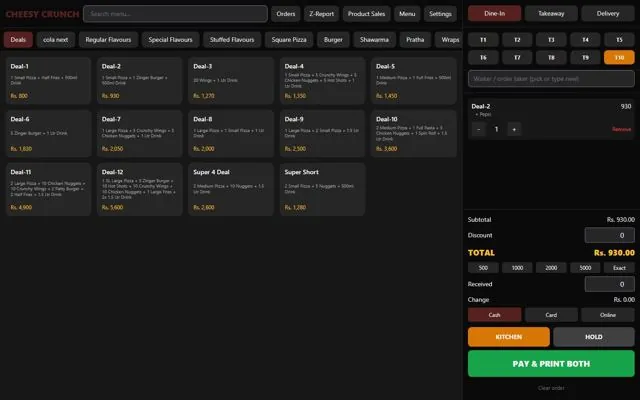
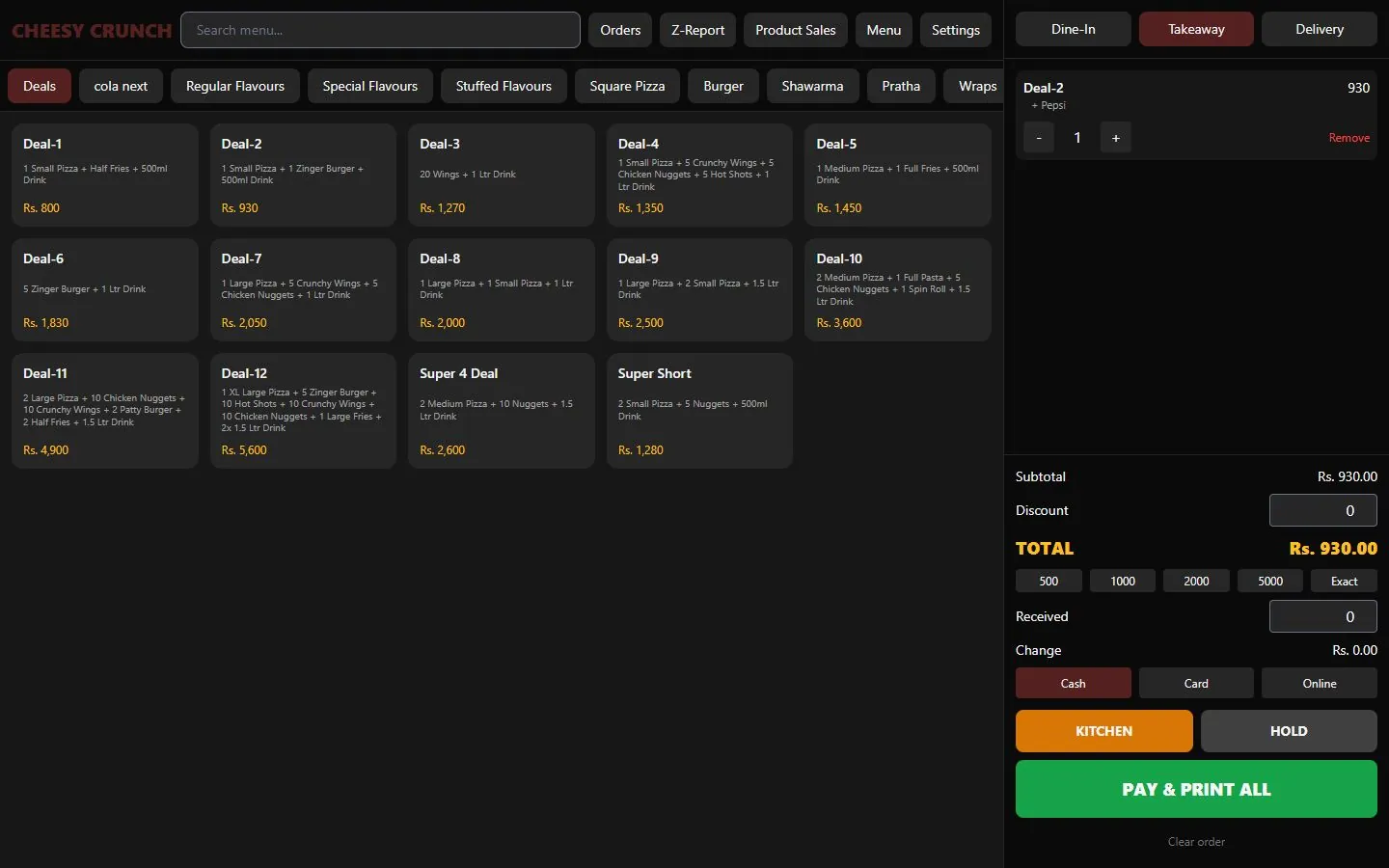
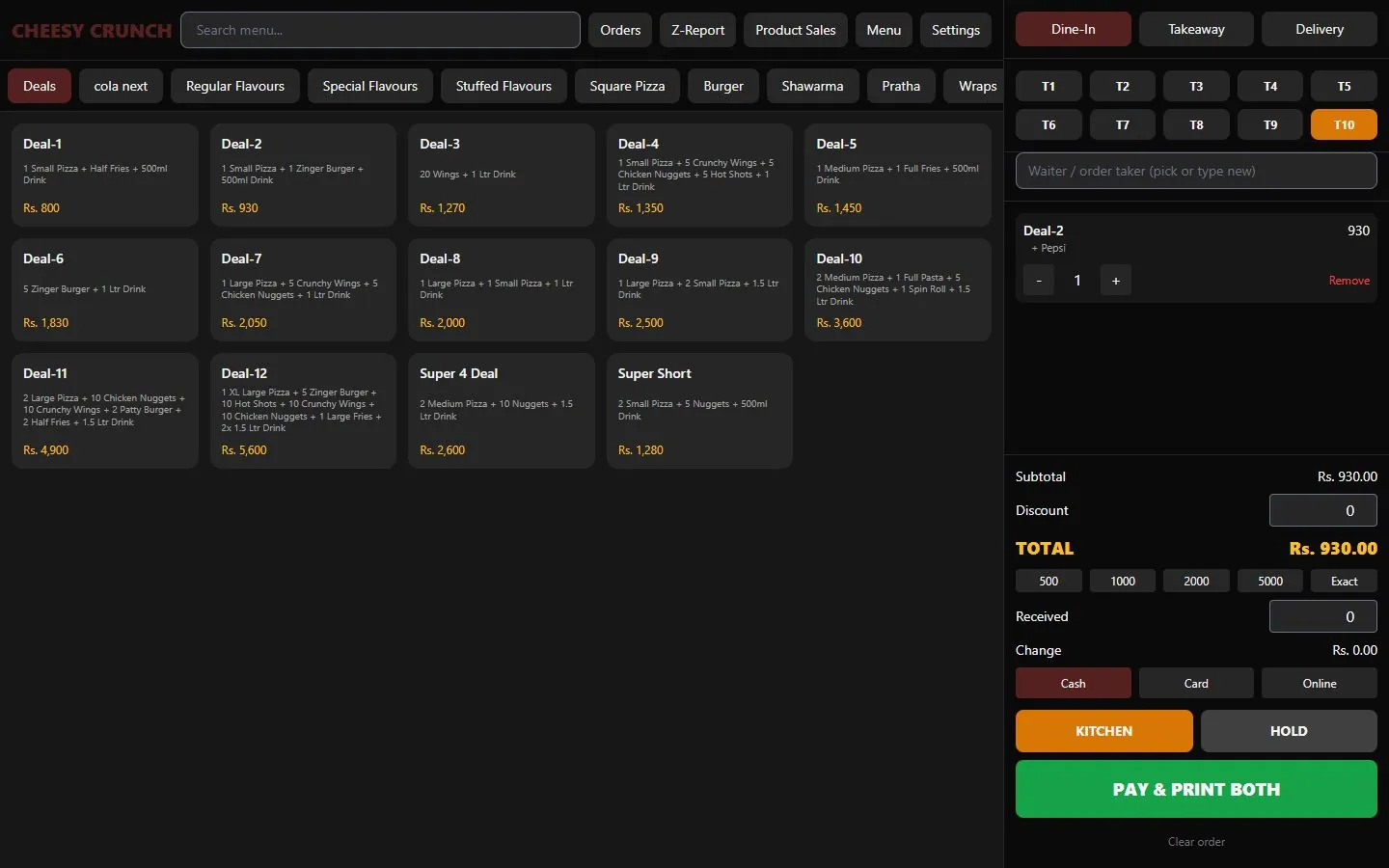
Fast Food Billing & POS is restaurant POS software designed for busy counters in fast food outlets, cafés and restaurants. The whole order — menu, cart and payment — fits on one screen, so cashiers can ring up dine-in, takeaway and delivery orders in seconds.
Deals and add-ons work the way restaurants sell: a deal lists its included items, and choices such as the drink are picked with a single tap. Orders go to the kitchen printer with only the new items, open tables can be held and reopened, and the customer bill, kitchen ticket and rider slip print together.
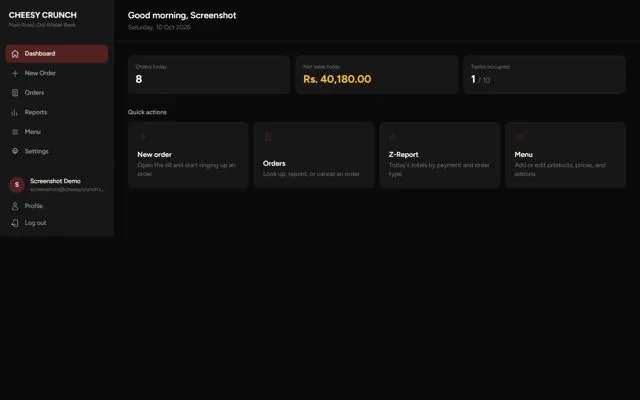
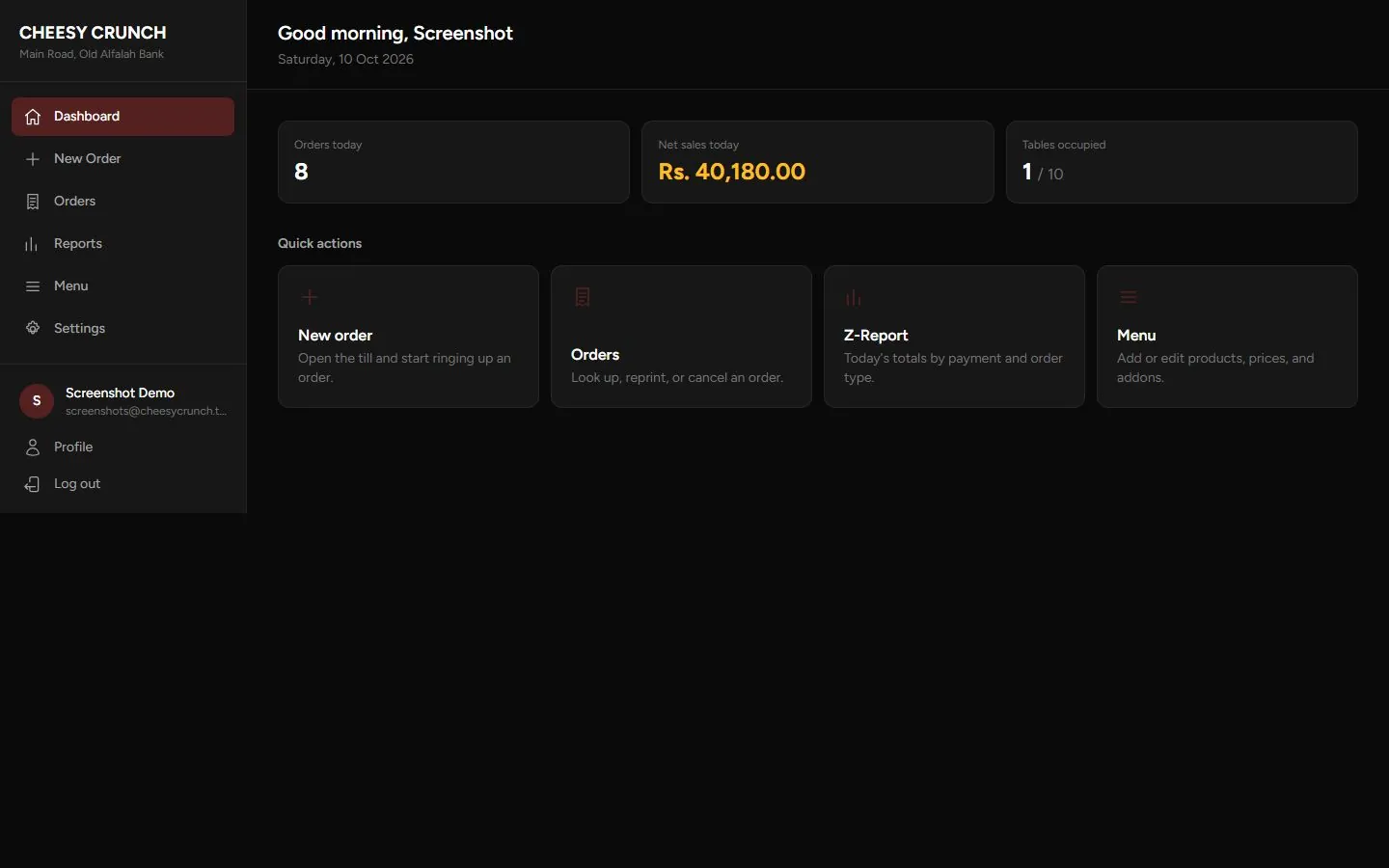
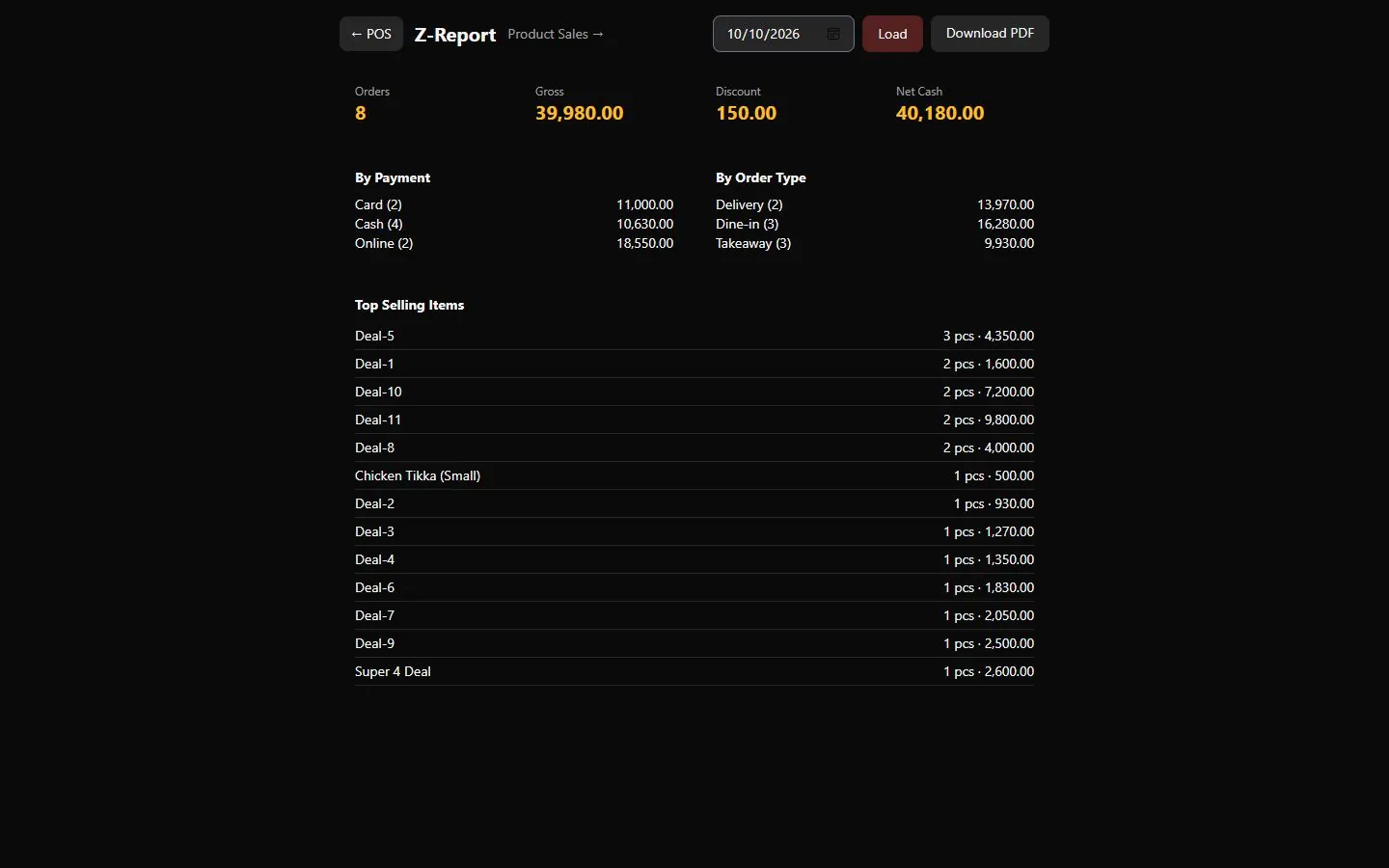
At the end of the day the Z-report shows order count, gross sales, discounts and net cash by payment method and order type, together with your top-selling items. The POS runs in the browser or as a Windows desktop application.
Fast Food Billing & POS features
One-screen POS
Menu search, category tabs and a live cart with discount, tax and delivery charge.
Order types
Dine-in with table picker, takeaway, and delivery with customer name, phone and address.
Deals & add-ons
Combo deals and single-choice options such as drink selection.
Kitchen tickets
Send only new items to the kitchen, hold orders, print bill and rider slip.
Payments
Cash with quick-cash buttons and change calculation, card or online.
Order history
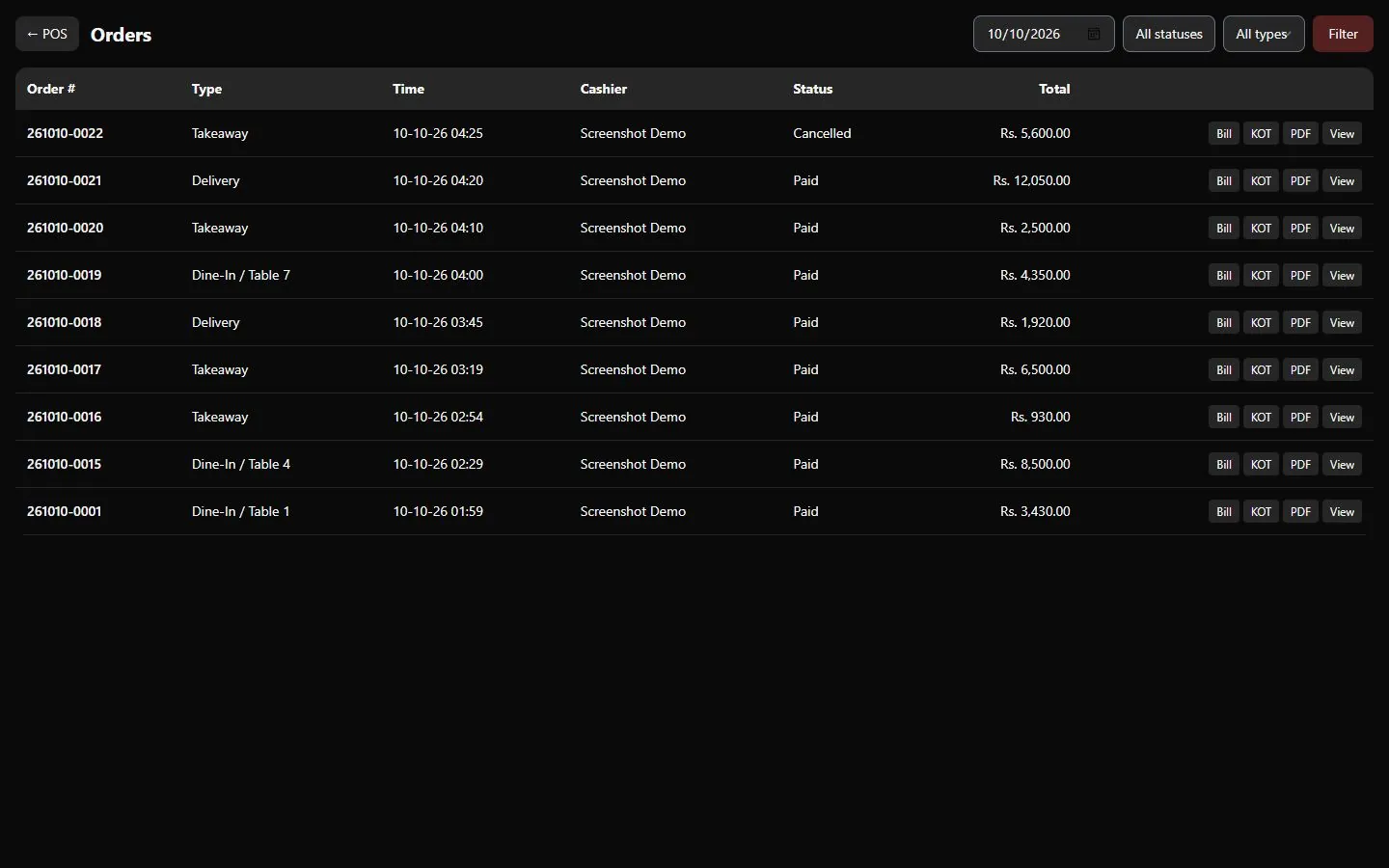
Filter, reprint, download as PDF or cancel past orders.
Reports
Z-report by date, payment and order type, top sellers and product sales PDF.
Menu & branding
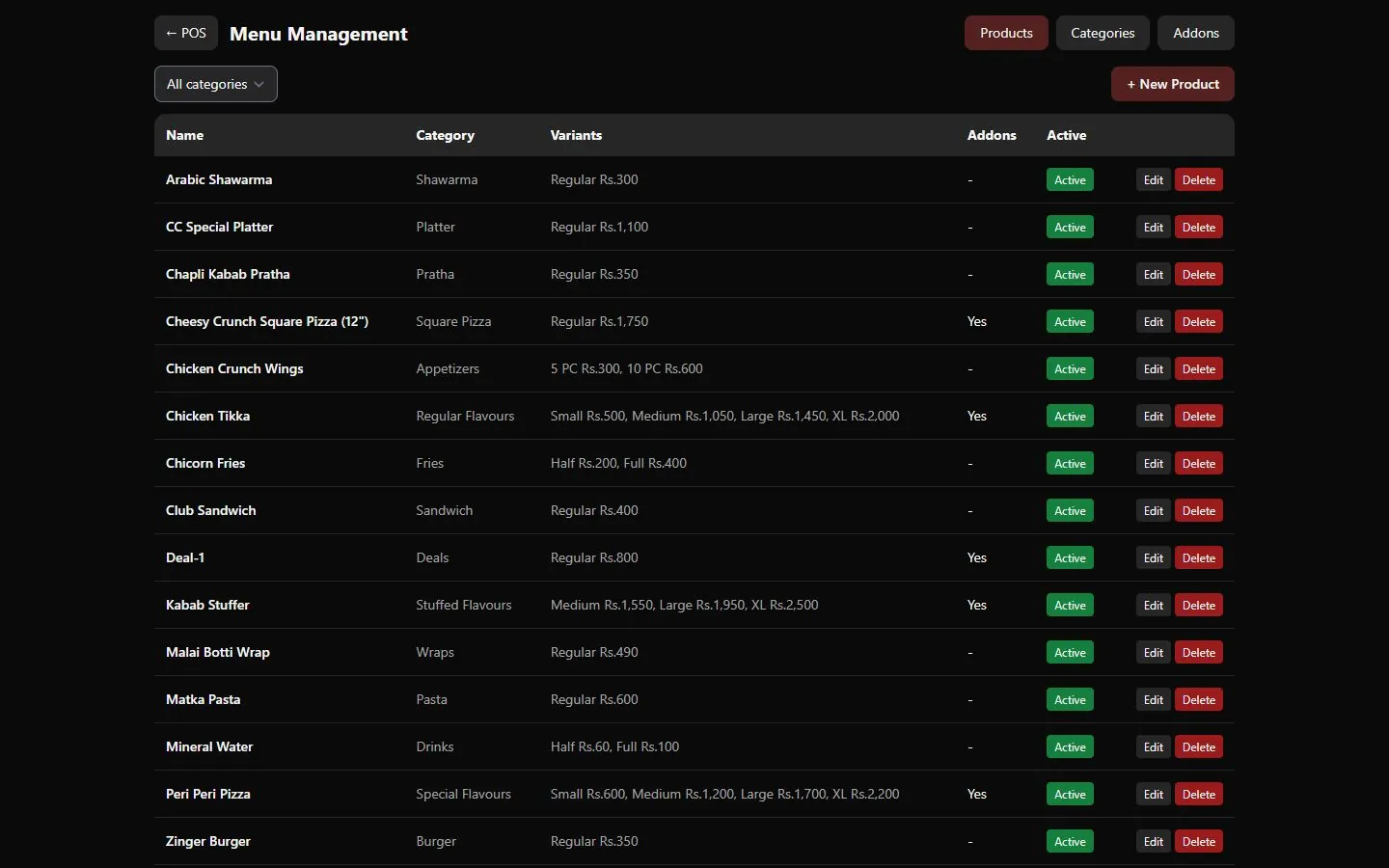
Categories, sizes and prices, add-on groups, logo and brand colours.
Table management
Dine-in table picker; cancelling an order frees the table.
Waiter tracking
Record the waiter or order-taker on every order.
Delivery details
Customer name, phone and address with a printed rider slip.
Staff accounts
Per-user login; every order is stamped with the cashier.
Who uses Fast Food Billing & POS?
Fast Food Billing & POS is built for fast food outlets, cafés and restaurants. If your business works differently, we adapt it with customization, and set it up for you with installation & training.
Ask if it fits your businessFast food restaurants
A one-screen order flow that keeps the queue moving at peak hours.
Pizza & burger outlets
Sizes, deals and add-ons such as extra cheese or drink choices.
Shawarma & BBQ
Quick takeaway billing with kitchen tickets for every order.
Cafés & tea shops
Simple menus, table orders and an accurate end-of-day Z-report.
Cloud kitchens
Delivery orders with customer details and rider slips.
Food courts
Fast counter billing that keeps working even when the internet is down.
Frequently asked questions about Fast Food Billing & POS
Does the POS work without internet?
Yes. The Windows desktop version runs locally on the counter PC, so billing continues even when the internet is down.
Can it print to a kitchen printer and a receipt printer?
Yes. Kitchen tickets and customer bills are printed separately, and the kitchen only receives items that have not been sent before.
Can I create deals and combos?
Yes. Create deals with their included items and single-choice options such as the drink, plus add-on groups for extras.
Can I see daily sales reports?
Yes. The Z-report gives totals by payment method and order type for any date, and the product sales report shows item-wise sales — both downloadable as PDF.
Can it be branded with my restaurant name and logo?
Yes. Upload your logo and set your brand colours, company name and address from the settings screen.
Other products
All products →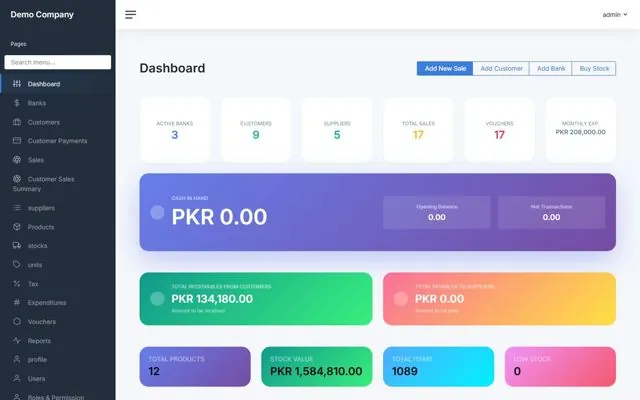
Accounting & Inventory
Sales & Accounts
Complete accounting and stock control for small factories, distributors and trading companies.
View details →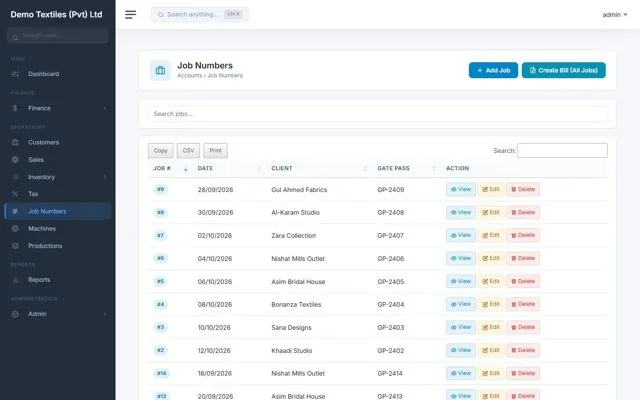
Job-Work Accounting
ProdBooks
Everything in Sales & Accounts, extended for job-work and manufacturing units such as embroidery and stitching.
View details →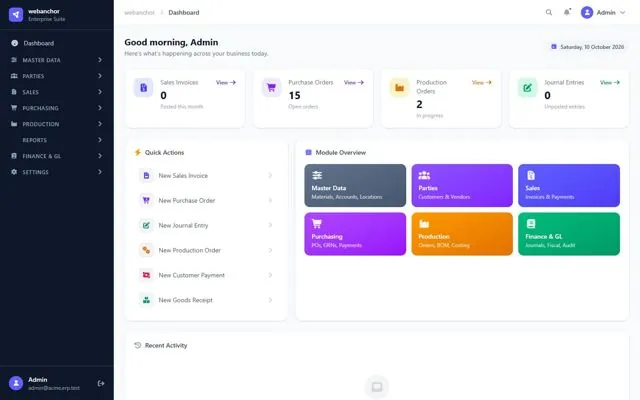
Multi-tenant Cloud ERP
Cloud ERP Suite
One cloud platform for sales, purchasing, production, inventory and the general ledger — each company gets its own isolated workspace.
View details →Have a project in mind?
Tell us what you need — custom software, a mobile app or one of our products — and we’ll get back with a demo or a quote.
Talk to us